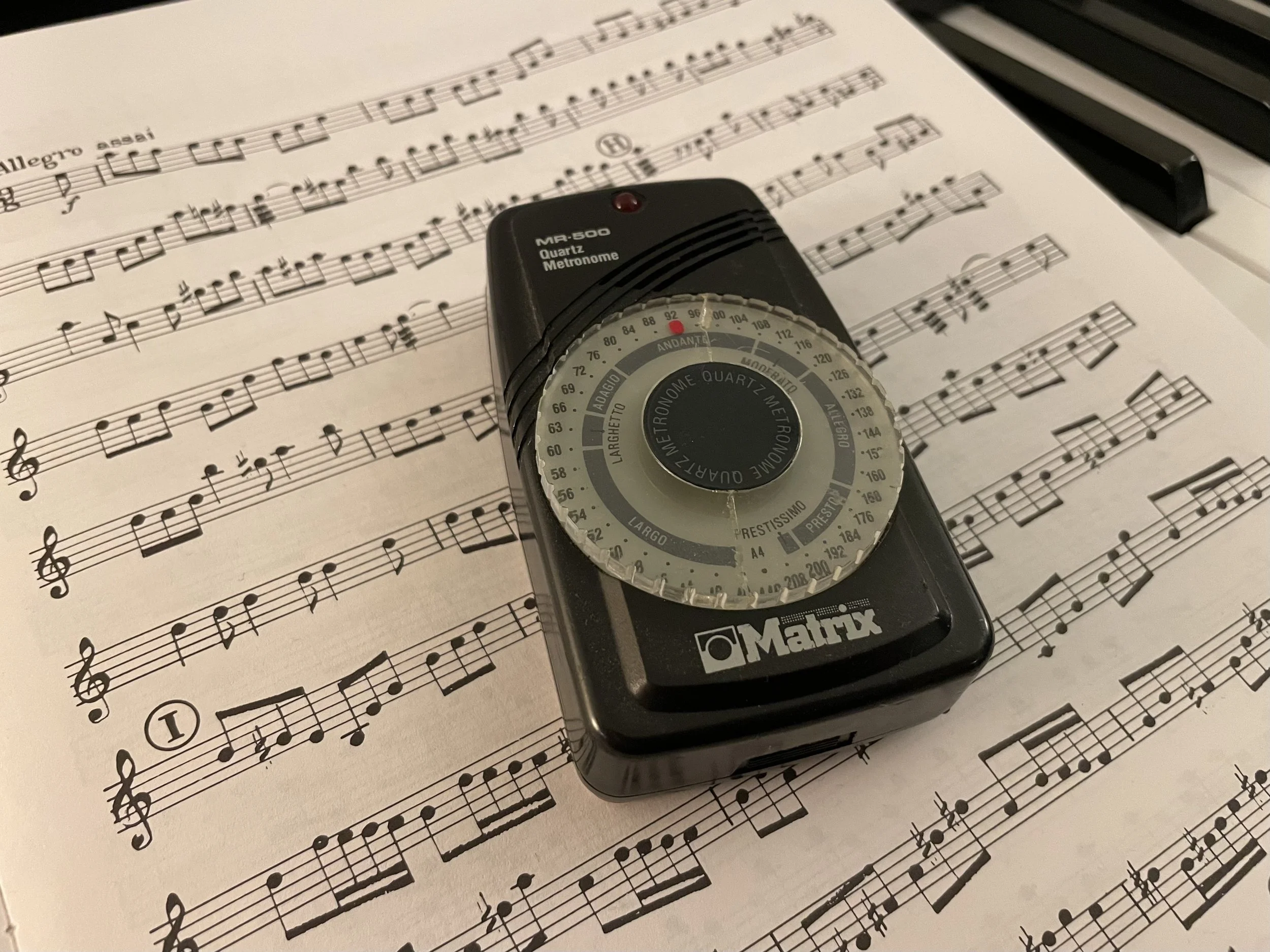
Here are some ideas and tips for creating effective click (or metronome) tracks for live performance and recording.
METRONOME:
Use a musical sound. I use Ableton live to sequence click tracks. I prefer woodblock sounds for the beats, a higher one for downbeats and a lower one for the other beats.
Add some subdivisions. Especially as the tempo gets slower. I like to use tambourine playing 1/8th notes, shakers playing 1/16ths. Too many layers can sound too busy, so use your judgement.
VERBAL CUES:
Count DOWN rather than up leading up section changes: “4 . . . 3 . . . 2 . . . 1 . rea-dy and”. This also makes meter changes or odd meters clear. The first number is always the number of beats in the bar. Ex. “4-3-2-1 | 3-2-1 | 4-3-2-1 | 5-4-3-2-1”.
Have a non-musical chime or indicator before verbal cues, have it occur on off beats or even out of time to pique attention. Make it obnoxious. Some personal favorites: Dog barking, cat meowing; Quindar tones; hype horns; train horn; phone ring.
Give verbal cues in time and in character.
Keep verbal cues short. Let the players keep listening to the music!
TECHNICAL
Use a program or hardware optimized for live playback. Ableton Live and QLab both work for this purpose. Other DAWs (digital audio workstations) can work, but are optimized for sound quality and studio recording/production workflows, not for reliability in live performances.
Bounce the click and verbal cue tracks separately so performers can adjust their relative volume as needed.